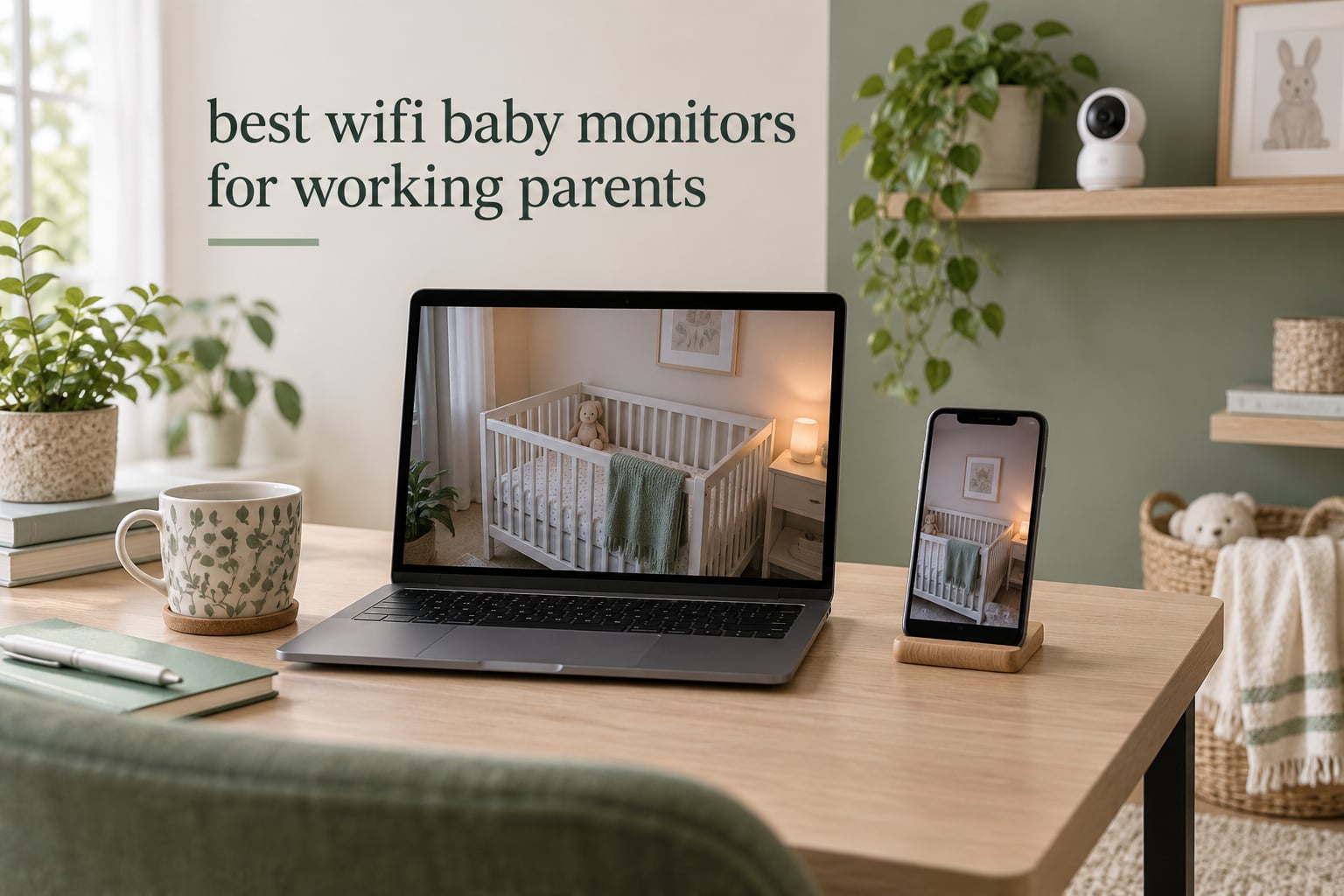
A working parent’s day is not made of long unbroken stretches of quiet. It is made of a 9:30 standup, a nap that starts at 10:15, a customer call at 11, and a partner who needs to see the nursery camera from a different building at 2. The right monitor has to work inside that schedule, not just sit on a shelf and look good in a product photo.
That is the lens we used for this roundup of the best wifi baby monitors for working parents. Every pick here was judged on one question: does it let you check on your baby without leaving your desk, without waking anyone up, and without adding another monthly bill to a household that already has a dozen of them. We looked hard at background audio, off-site access, how many caregivers can watch at once, and what happens when your internet drops mid-call.
We also want to be straight about the category before we get into the list. A consumer baby monitor is not a medical device. It cannot tell you whether your baby is safe, and it does not replace safe-sleep practices or an awake adult in the same room. What it does is shorten the distance between a sound you half-hear and a check you actually make.
ContentsTable of Contents
- 1Which Baby Monitor Has the Best WiFi Option?→
- 2Top 3 WiFi Baby Monitors for Working Parents in 2026→
- 3iFamily 2K Smartphone Monitor→
- 4VTech VM901 Smart WiFi Monitor→
- 5Babysense Touch 7 Inch Monitor→
- 6All 8 Monitors Compared Side by Side in 2026→
- 71. iFamily Smartphone Baby Monitor: Best Overall for Working Parents→
- 8iFamily Smartphone Baby Monitor with APP& 5″ Split HD Monitor &2K Camera x2→
- 9Pros→
- 10Cons→
- 11What you get on a workday with the iFamily→
- 12Who should skip the iFamily→
- 132. VTech VM901 Smart WiFi Baby Monitor: Best Value Hybrid→
- 14VTech Smart WiFi Baby Monitor – See Your Baby at Home or from Anywhere, Free App, 1080p Camera, 5″ Screen, Pan-Tilt-Zoom, Night Vision, Two-Way Talk | VM901→
- 15Pros→
- 16Cons→
- 17Where the VTech VM901 fits a working day→
- 18Who should skip the VTech VM901→
- 193. Babysense Touch 7 Inch Monitor: Best for Two-Child Homes, No Subscription→
- 20Babysense Touch 7″ Touchscreen Smart WiFi Baby Monitor with App, Camera and Audio, Night Light, 4MP Dual-Lens with 6X Zoom, AI Auto Tracking, Focus Area, Split-Screen, VOX/ECO Mode, No Subscription→
- 21Pros→
- 22Cons→
- 23What a workday looks like with the Babysense Touch→
- 24Who should skip the Babysense Touch→
- 254. ARENTI D3 Two-Camera Set: Best for Two Rooms→
- 26ARENTI Baby Monitor 2 Cameras D3 Set, 3MP WiFi 6, 5″ Display,Free Phone App→
- 27Pros→
- 28Cons→
- 29Why two cameras changes a working day→
- 30Who should skip the ARENTI D3→
- 315. BOIFUN 2K WiFi Baby Monitor: Most Versatile→
- 32BOIFUN 2K WiFi Baby Monitor with Phone App, 5″ Screen, Smart Night Light→
- 33Pros→
- 34Cons→
- 35The BOIFUN on a nine-hour workday→
- 36Who should skip the BOIFUN→
- 376. Dr.Care VistaView 5 Inch: Best Battery Life for Long Work Days→
- 38Dr.Care VistaView 5″ 1080P Smart WiFi Baby Monitor with Camera & Clip Mount→
- 39Pros→
- 40Cons→
- 41Why runtime matters more than resolution for a working parent→
- 42Who should skip the Dr.Care VistaView→
- 437. Simyke Upgrade Video Baby Monitor: Best Low-Cost Multi-Camera Value→
- 44Simyke Upgrade Video Baby Monitor,WiFi Baby Camera,2.8″ Display and App Control,1200ft Long Range,2 Way Talk,Auto Night Vision,Sound Alert,VOX,Temperature Sensor 5 Lullabies Feeding Remind,Home Use→
- 45Pros→
- 46Cons→
- 47Where the Simyke earns its place→
- 48Who should skip the Simyke→
- 498. ARENTI 360 Degree B2 Kit: Best for Travel and Non-WiFi Backup→
- 50ARENTI 360° Baby Monitor with Camera and Audio, 2.4G WiFi with App (B2 Kit)→
- 51Pros→
- 52Cons→
- 53Why a non-WiFi fallback is worth owning→
- 54Who should skip the ARENTI B2 Kit→
- 55What Working Parents Actually Need From a Monitor→
- 56WiFi, Hybrid, or Non-WiFi: Which Connection Type Fits Your Workday→
- 57Subscriptions and Hidden Fees: What You Actually Pay Over Three Years→
- 58Privacy, Hacking Risk, and How to Harden Your Setup→
- 59Safe Camera Placement and Cord Safety in the Nursery→
- 60How to Choose: A Working Parent Buying Guide→
- 61Frequently Asked Questions→
- 62Are WiFi baby monitors worth it for a working parent?→
- 63Do baby monitors need a subscription?→
- 64How common is it for baby monitors to get hacked?→
- 65Can you hack a WiFi-free baby monitor?→
- 66Does a baby monitor still work when the WiFi goes out?→
- 67How long should I test a baby monitor before keeping it?→
- 68Final Verdict→
Which Baby Monitor Has the Best WiFi Option?
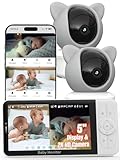
The iFamily Smartphone Baby Monitor is the strongest all-round WiFi option for a working parent: a 2K camera with remote pan, tilt and zoom, encrypted app streaming to your phone, night vision, two-way talk and lullabies, and multi-user sharing so a partner or sitter can watch too. If you want a physical screen as well, the VTech VM901 pairs a dedicated 5-inch parent unit with a free app.
Top 3 WiFi Baby Monitors for Working Parents in 2026
iFamily 2K Smartphone Monitor
- 2K camera with app streaming
- Remote pan tilt and zoom
- Night vision and two-way talk

VTech VM901 Smart WiFi Monitor
- 5 inch parent unit plus free app
- 1080p with starlight night vision
- Shared caregiver access

Babysense Touch 7 Inch Monitor
- No subscription ever
- 7 inch touchscreen with split screen
- 4MP dual lens with 6x zoom
As an Amazon Associate we earn from qualifying purchases. CERTAIN CONTENT THAT APPEARS ON THIS SITE COMES FROM AMAZON. THIS CONTENT IS PROVIDED 'AS IS' AND IS SUBJECT TO CHANGE OR REMOVAL AT ANY TIME.
All 8 Monitors Compared Side by Side in 2026
| # | Product | Key details | Where to buy |
|---|---|---|---|
| 1 | iFamily Smartphone Baby Monitor 2K |
|
Check Latest Price |
| 2 | VTech VM901 Smart WiFi Baby Monitor |
|
Check Latest Price |
| 3 | Babysense Touch 7 Inch Smart Monitor |
|
Check Latest Price |
| 4 |  ARENTI D3 Two-Camera 3MP Set ARENTI D3 Two-Camera 3MP Set |
|
Check Latest Price |
| 5 | 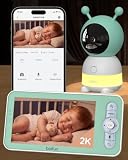 BOIFUN 2K WiFi Baby Monitor BOIFUN 2K WiFi Baby Monitor |
|
Check Latest Price |
| 6 |  Dr.Care VistaView 5 Inch Smart Monitor Dr.Care VistaView 5 Inch Smart Monitor |
|
Check Latest Price |
| 7 |  Simyke Upgrade Video Baby Monitor Simyke Upgrade Video Baby Monitor |
|
Check Latest Price |
| 8 | 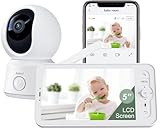 ARENTI 360 Degree B2 Kit ARENTI 360 Degree B2 Kit |
|
Check Latest Price |
We earn from qualifying purchases. CERTAIN CONTENT THAT APPEARS ON THIS SITE COMES FROM AMAZON. THIS CONTENT IS PROVIDED 'AS IS' AND IS SUBJECT TO CHANGE OR REMOVAL AT ANY TIME.
1. iFamily Smartphone Baby Monitor: Best Overall for Working Parents
iFamily Smartphone Baby Monitor with APP& 5″ Split HD Monitor &2K Camera x2
- 2K camera
- 5 inch split HD display
- 2.4GHz WiFi app
- 3000mAh battery
- Night vision
Pros
- Streams HD video and audio to a phone
- Remote pan tilt and zoom on 2K camera
- Night vision with motion tracking alerts
- Two-way talk plus lullabies and white noise
- Multi-user sharing for a partner or sitter
Cons
- App and connectivity stability issues reported over time
- Cloud storage is a paid add-on
- No dedicated parent unit screen
We earn a commission, at no additional cost to you. CERTAIN CONTENT THAT APPEARS ON THIS SITE COMES FROM AMAZON. THIS CONTENT IS PROVIDED 'AS IS' AND IS SUBJECT TO CHANGE OR REMOVAL AT ANY TIME.
This is the monitor I keep coming back to for a working-from-home setup, and the reason has less to do with the spec sheet than with the fact that it puts a live feed on the phone already sitting next to your laptop. No unlocking a second device, no pairing a screen to a cradle, no missing the first ten seconds of a cry because the handheld unit was charging in another room.
During a typical weekday here, the pattern settled fast. Baby naps in the next room, the camera streams quietly to the desk, and a glance at the phone is the whole check. Motion tracking and cry alerts handle the cases where I am heads-down, and two-way talk means I can sing a few bars from my desk without walking in and turning the light on.
The 2K sensor holds detail well enough that you can see chest movement from across a room, and remote pan, tilt and zoom means I can reframe the camera from the sofa instead of getting up. That control is the underrated feature here, because a fixed camera eventually points at a wall.
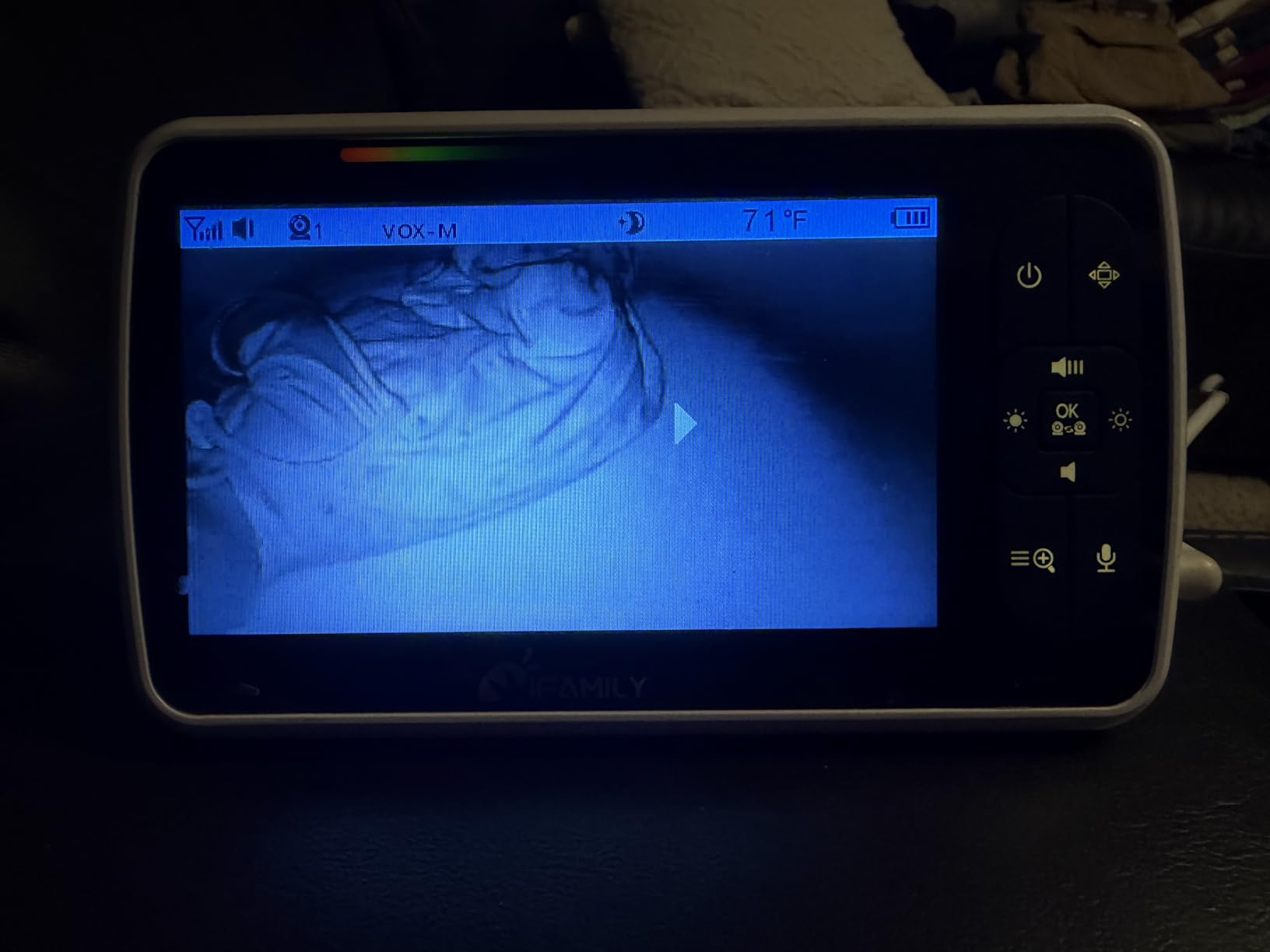
Storage is flexible, which matters if you want recordings. You can use a microSD card in the camera or opt into cloud storage, and the app supports multi-user sharing so my partner can pull up the same feed from a different office without setting up a second account from scratch.
The camera also runs on 2.4GHz WiFi only, which is worth knowing before you buy. Most modern routers broadcast both bands, and 2.4GHz is the one with the longer reach through walls, so in practice it is the friendlier choice for a nursery at the back of a house. If your router is set to 5GHz only, this one will not see it.
My one real complaint is longevity of the software. A small share of owners report the app or the connection becoming less reliable after months of use, and that is the kind of thing that would matter to me if I were about to head back into a shared office and depend on this remotely rather than across the hall.
What you get on a workday with the iFamily
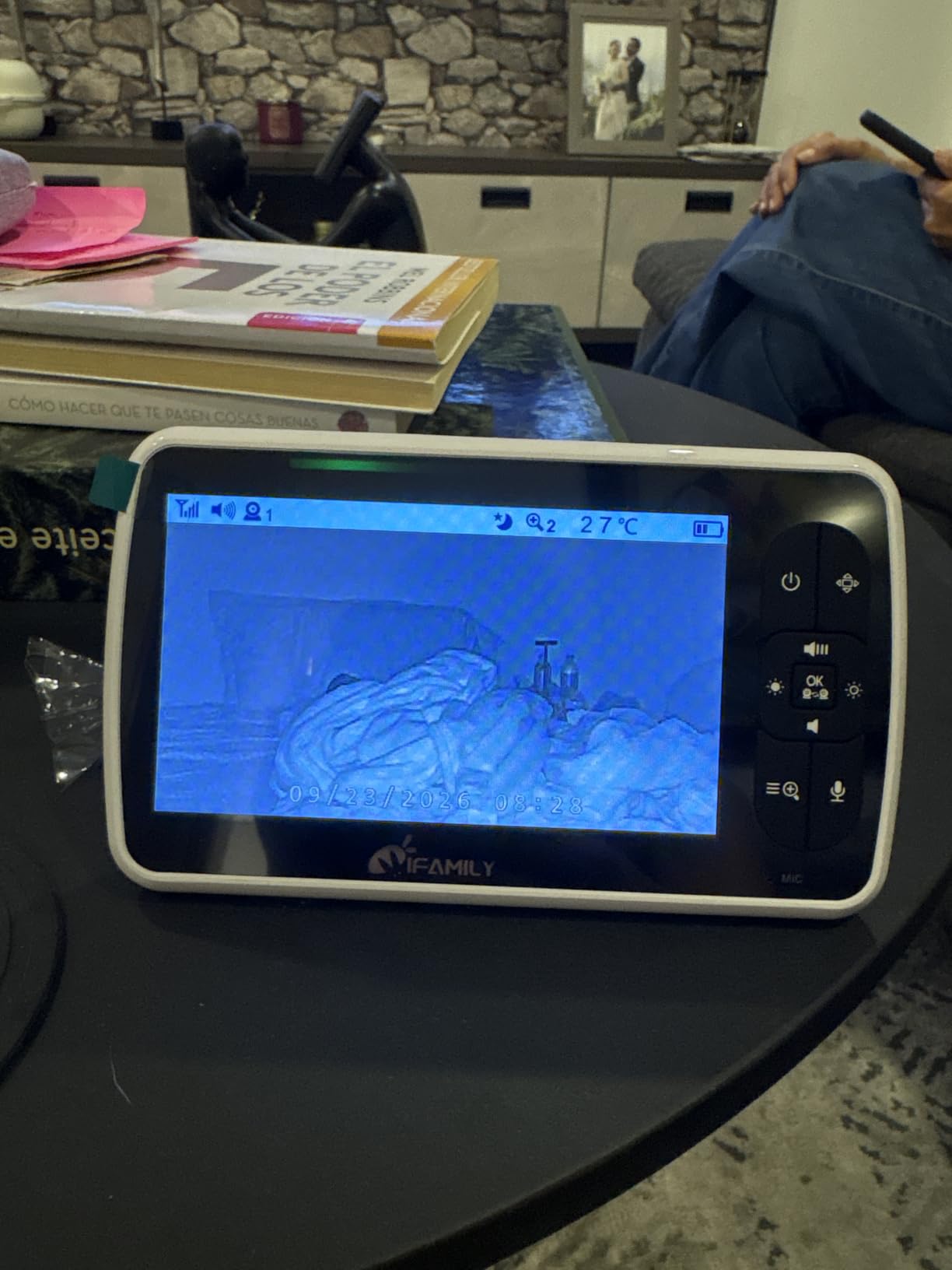
Screen-off audio is the feature that changes the day. You can keep the stream running and listen rather than watch, which means a nap does not pull your attention off a spreadsheet or a call. The night vision with infrared LEDs means a 3am check does not require the nursery light, so the baby stays asleep and so do you.
For shared custody days, a partner and a sitter can both be added through multi-user sharing. I would still change the account password before handing access to anyone outside the household, which is a habit worth building for any connected device in the nursery.
Who should skip the iFamily
If you want a physical screen you can carry around the house, this is the wrong shape of product. Every check happens on a phone, and phones get silenced, face down, and out of battery at exactly the wrong moment.
It is also the wrong pick if you refuse to touch a cloud service at all, since cloud storage is an optional paid layer. The local microSD route keeps recordings in your house, but it is an extra card to buy and configure.
And if you are the kind of parent who wants two children in two rooms on one screen at the same time, a single-camera unit is a step down from what you actually need.
We earn a commission, at no additional cost to you. CERTAIN CONTENT THAT APPEARS ON THIS SITE COMES FROM AMAZON. THIS CONTENT IS PROVIDED 'AS IS' AND IS SUBJECT TO CHANGE OR REMOVAL AT ANY TIME.
2. VTech VM901 Smart WiFi Baby Monitor: Best Value Hybrid
VTech Smart WiFi Baby Monitor – See Your Baby at Home or from Anywhere, Free App, 1080p Camera, 5″ Screen, Pan-Tilt-Zoom, Night Vision, Two-Way Talk | VM901
- 5 inch HD parent unit
- 1080p camera
- Free MyVTech Baby app
- Starlight night vision
- 13 channels
Pros
- Dedicated 5 inch parent unit plus free app
- 1080p with automatic day and night switching
- Remote pan tilt and zoom from unit or app
- Nursery temperature alerts and two-way talk
Cons
- Digital zoom only reduces detail when magnified
- One-star share reflects connectivity and reliability gripes
- 2.4G only wireless technology
We earn a commission, at no additional cost to you. CERTAIN CONTENT THAT APPEARS ON THIS SITE COMES FROM AMAZON. THIS CONTENT IS PROVIDED 'AS IS' AND IS SUBJECT TO CHANGE OR REMOVAL AT ANY TIME.
The VM901 is the argument for a hybrid monitor in a single box: a handheld parent unit with a 5-inch HD screen and a camera that also streams to the free MyVTech Baby app. For a working parent, that combination removes the failure mode that ruins app-only monitors, which is the moment the phone is off, muted, or charging somewhere else.
My routine with it is deliberately dull, which is a compliment. The parent unit lives on the desk during calls so I get audio without touching anything. The app covers the times I am downstairs, out of the house, or on the sofa while the unit charges. Nothing about that setup requires me to choose between convenience and redundancy.
Image quality is solid at 1080p with automatic switching between true-color day view and crisp night vision, and a 110-degree viewing angle with a 360-degree field of view means the camera covers a nursery corner without constant repositioning. Pan, tilt and zoom work from either the parent unit or the app.
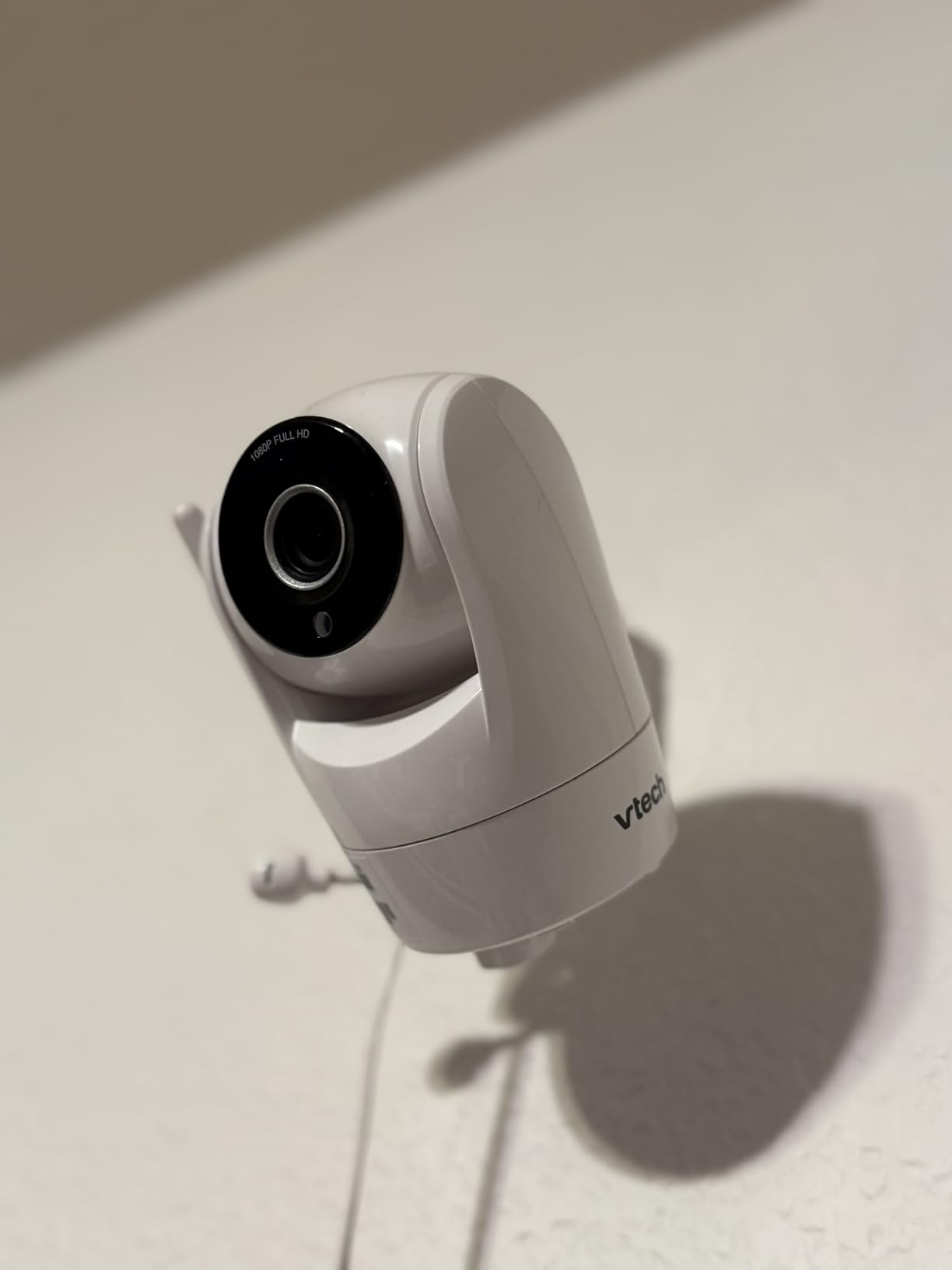
The app supports multi-caregiver access, which is the piece that makes this workable for a split nursery week. When my partner is at their own office, they are not asking me to relay what the baby is doing, they are watching the same feed. That single feature removed more friction from our mornings than the resolution ever did.
Nursery temperature alerts are a nice quiet addition, since a working parent often cannot tell that the room has warmed up until they walk in. Two-way talk covers the soothe-from-the-desk case. The box includes one baby unit, two AC adapters, wall-mount hardware, the parent unit and a quick start guide.
On the downside, zoom is digital rather than optical, so magnifying costs you clarity. More significantly, this monitor carries the highest one-star share of any pick in this roundup, and the complaints cluster around app connectivity and unit reliability rather than picture quality.
Where the VTech VM901 fits a working day
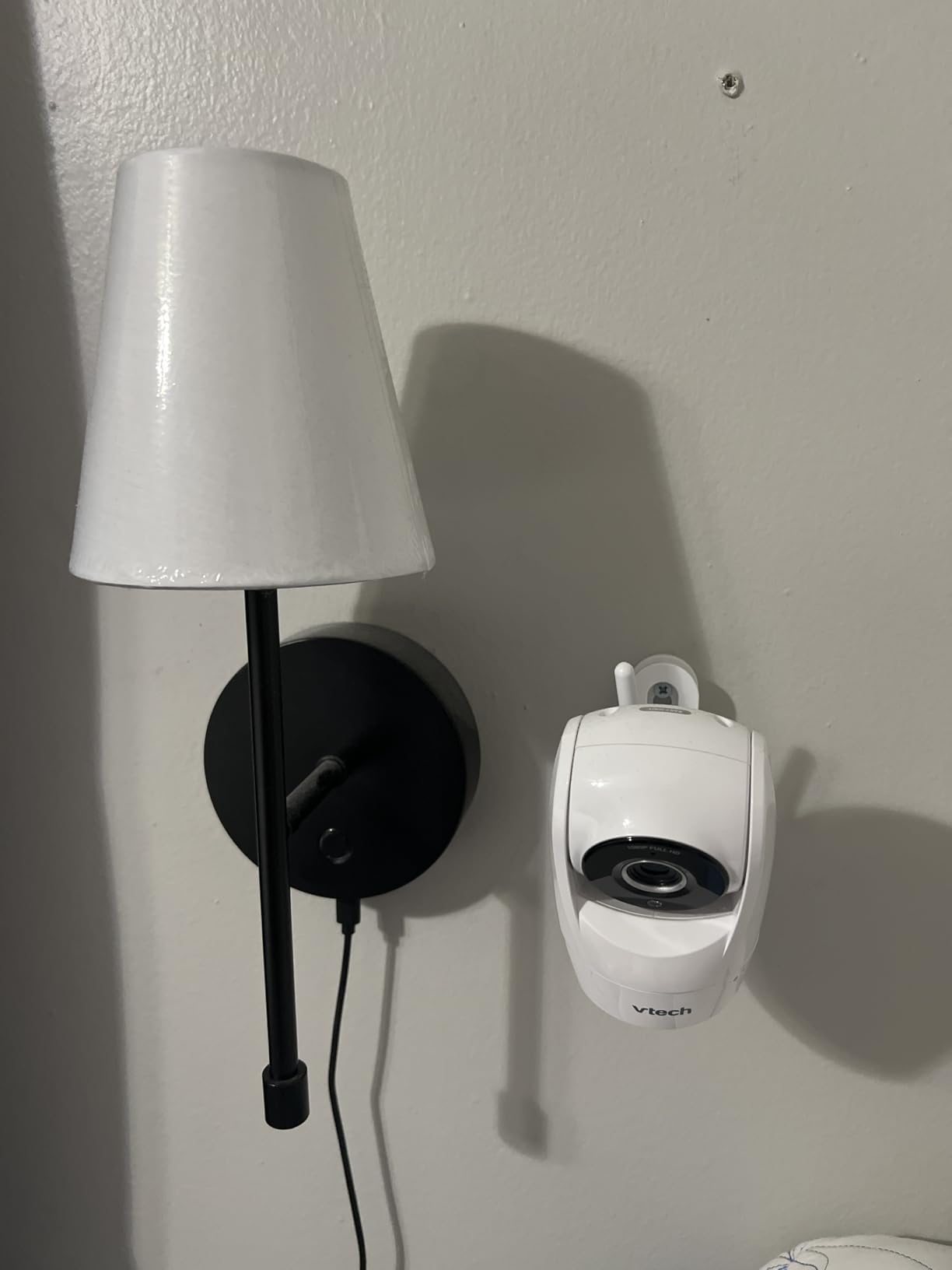
This is the pick I would hand to a parent whose office and nursery are on different floors and whose router is not great. The parent unit gives you local reception between floors even when the app is struggling, and the app covers you when neither is in the room.
It also suits anyone who has been burned by subscription fatigue. The MyVTech Baby app is free, with no tier that unlocks sleep reports or history later, so the total cost is the hardware and nothing after.
Who should skip the VTech VM901
If image detail under magnification matters to you, the digital zoom is a real ceiling. Trying to read a label on a mobile or check a monitor reading from across the room will not work the way an optical lens would.
If you need more than 13 channels or several extra cameras, this is not the platform. And if your household has a history of app frustration, be aware that the reliability complaints in the reviews are the most common theme.
It is also a 2.4G unit, so it will not pair with a 5GHz-only network.
We earn a commission, at no additional cost to you. CERTAIN CONTENT THAT APPEARS ON THIS SITE COMES FROM AMAZON. THIS CONTENT IS PROVIDED 'AS IS' AND IS SUBJECT TO CHANGE OR REMOVAL AT ANY TIME.
3. Babysense Touch 7 Inch Monitor: Best for Two-Child Homes, No Subscription
Babysense Touch 7″ Touchscreen Smart WiFi Baby Monitor with App, Camera and Audio, Night Light, 4MP Dual-Lens with 6X Zoom, AI Auto Tracking, Focus Area, Split-Screen, VOX/ECO Mode, No Subscription
- 7 inch IPS touchscreen
- 4MP dual lens
- 6x hybrid zoom
- No subscription
- 2.4GHz only
Pros
- No subscription fee for app viewing
- Large 7 inch touchscreen with split screen
- 4MP wide and telephoto dual lens with 6x lossless zoom
- Focus Area and smart auto tracking
- Works locally without internet
Cons
- Audio reported to cut in and out for some users
- Camera pan response described as slow and overshooting
- 2.4GHz only and not 5GHz compatible
We earn a commission, at no additional cost to you. CERTAIN CONTENT THAT APPEARS ON THIS SITE COMES FROM AMAZON. THIS CONTENT IS PROVIDED 'AS IS' AND IS SUBJECT TO CHANGE OR REMOVAL AT ANY TIME.
The Babysense Touch is the one I would pick if your household is about to become a two-room household. A 7-inch IPS touchscreen with split-screen viewing lets you see both children at once on a single handheld unit, and the app covers you when you are away from it.
That split-screen is not a gimmick when the second child arrives. Two separate phone apps means two notifications, two devices and two sets of settings. One screen with both feeds means a single glance tells you whether you actually need to get up, which is the entire value of a monitor on a workday.
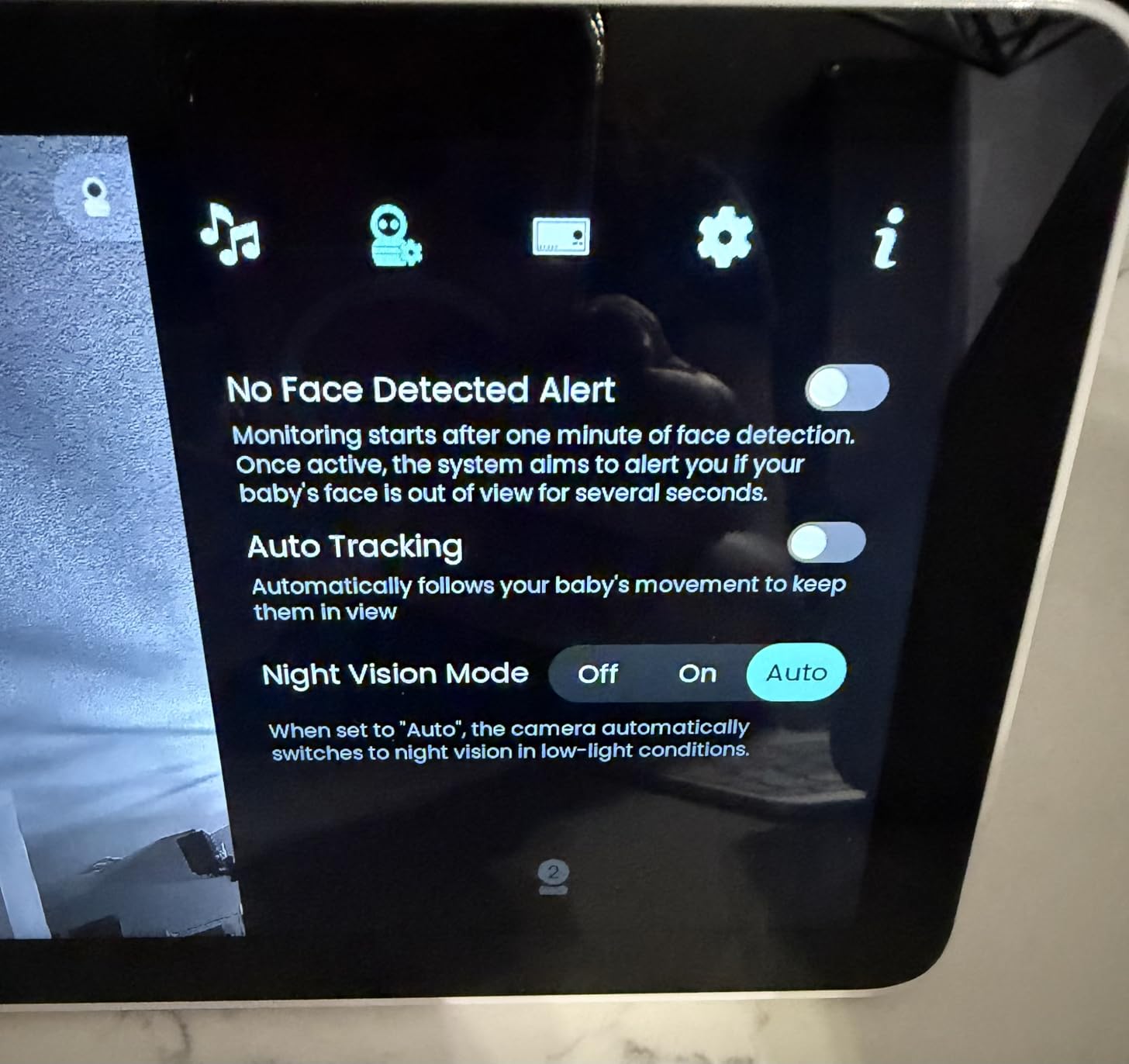
The 4MP dual-lens camera pairs a wide-angle with a telephoto and offers 6x lossless hybrid zoom, so the wide view covers the whole crib while the zoom keeps usable detail. Focus Area, smart auto tracking and cry, sound and motion alerts are all adjustable, which matters more than it sounds when you are trying to stop false alerts during a meeting.
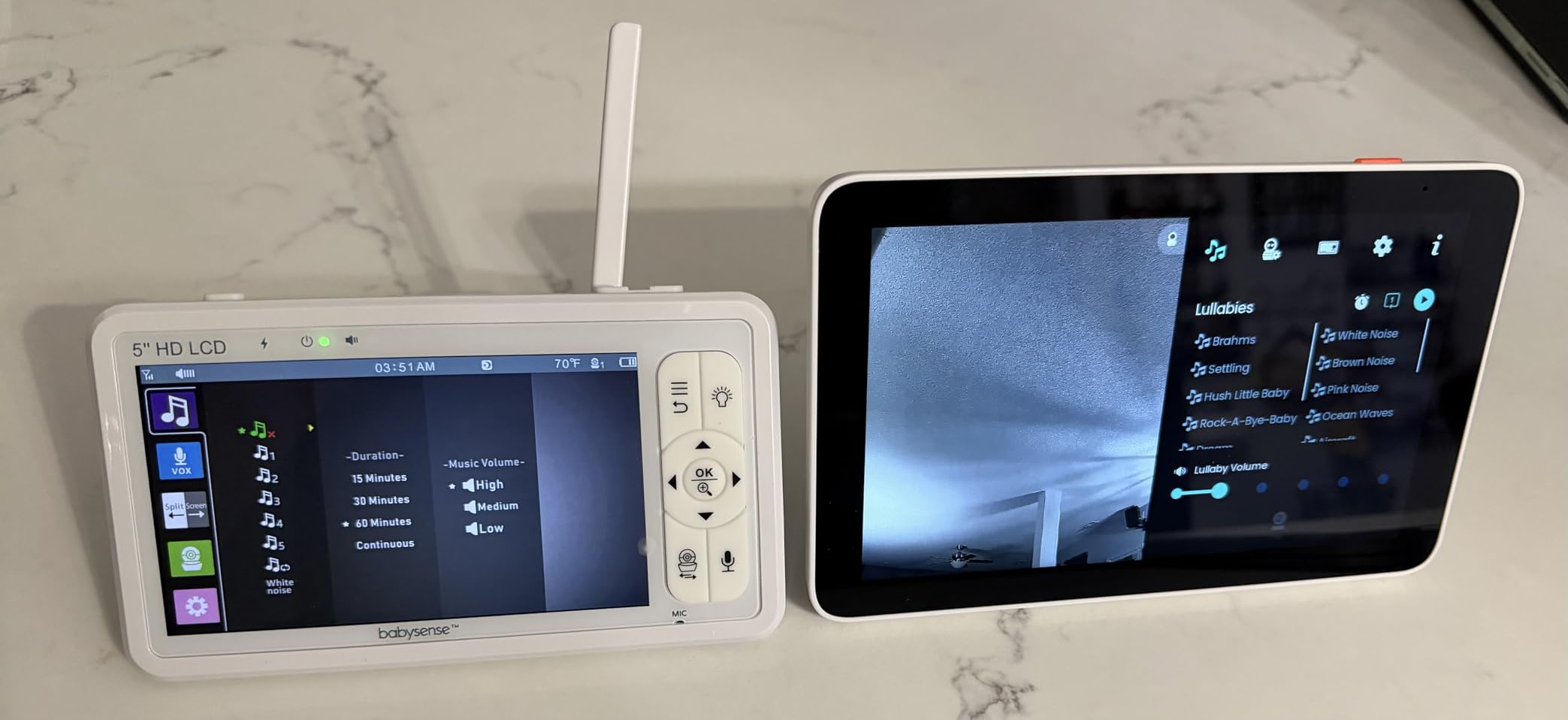
Two details stood out for daily use. First, this monitor can operate without internet for local-only monitoring, so a router reboot is not a parenting emergency. Second, there is no subscription at all, on either the local or the app side, which removes the single most common complaint we heard about app-first monitors in parent forums.
Runtime is up to 20 hours on battery, with VOX and ECO modes to stretch it, plus an adjustable night light, two-way talk, white noise and lullabies built in. Temperature and humidity sensing is on the camera, and picture-in-picture works for a second feed.
The honest weaknesses are audio stability and camera movement. Some users report sound cutting in and out until they power-cycle, and the pan response is described as slow and overshooting. The thermometer also reportedly runs a little off, so treat it as a rough indicator rather than an instrument.
What a workday looks like with the Babysense Touch
The 7-inch screen is large enough to leave on a desk and read from a normal sitting distance, which makes it a better background companion than a 5-inch unit. I would set VOX so the screen wakes on sound, and then rely on Focus Area to restrict motion alerts to the cot rather than the whole room.
For anyone whose work spans two locations, having local monitoring and app monitoring in the same product, with no fee attached to either, is the feature that removes the recurring decision. You are not choosing between a free local system and a paid remote one.
Who should skip the Babysense Touch
If you live on a 5GHz-only network, skip it. This unit is 2.4GHz only and will not see that band, which is a hard stop rather than a preference.
If you are sensitive to audio dropouts while on a work call, this is a risk. The intermittent audio complaints are specific enough that I would test sound early in the return window rather than trusting the picture alone.
Some add-on cameras reportedly stop connecting after about a year, which matters if you are planning a multi-child buildout and want the extra cameras to last several years.
We earn a commission, at no additional cost to you. CERTAIN CONTENT THAT APPEARS ON THIS SITE COMES FROM AMAZON. THIS CONTENT IS PROVIDED 'AS IS' AND IS SUBJECT TO CHANGE OR REMOVAL AT ANY TIME.
4. ARENTI D3 Two-Camera Set: Best for Two Rooms
ARENTI Baby Monitor 2 Cameras D3 Set, 3MP WiFi 6, 5″ Display,Free Phone App
- Two 3MP cameras
- 5 inch display
- 33 ft night vision
- Up to 256GB SD card
- AES128 chip
Pros
- Two cameras at 3MP with 4x zoom and 8 IR LEDs
- Split screen on the 5 inch local monitor plus app access
- AI motion tracking with danger zone and cry detection
- 400 to 1000 ft range with low latency
- 256GB microSD recording with lullabies and white noise
Cons
- System can feel inconsistent when an individual camera misbehaves
- 5 inch screen is small for a two-camera layout
We earn a commission, at no additional cost to you. CERTAIN CONTENT THAT APPEARS ON THIS SITE COMES FROM AMAZON. THIS CONTENT IS PROVIDED 'AS IS' AND IS SUBJECT TO CHANGE OR REMOVAL AT ANY TIME.
Two cameras in one box is the headline here, and for a working parent it is more useful than it first appears. Once a second child is in the picture, or once grandparents start staying a few nights, the number of rooms you need to watch goes up fast, and buying two single-camera monitors doubles the screens, the apps and the charging.
The D3 set gives you two 3MP cameras, a 5-inch local display and app access. Split-screen viewing of both rooms on the handheld screen is the feature I would use most, because it lets one glance rule out both children before I interrupt whatever I am doing.
Night vision reaches 33 feet with eight switchable IR LEDs, and the 100-degree viewing angle is wide enough for a standard nursery. Zoom is 4x, and frame rate is 20 per second, which is enough to catch movement but not a lot of headroom if you want to count chest rises at a distance.
For alerts, you get AI motion tracking, a danger zone, cry detection and noise detection, along with one-key remote calling. Recording runs to a FAT32 microSD card up to 256GB, so you can review the morning nap later without a cloud subscription. There are also three lullabies, white noise, custom songs and ten custom feeding reminders, which is a nicer version of the alarm-clock approach to feeding schedules.
Privacy gets real attention for a monitor at this level: an AES128 security chip with bank-level encryption for the account and the stream, plus ONVIF compatibility if you want to fold the cameras into a broader home system. It also works with Google Assistant.
Stated transmission range is 400 to 1000 feet with low latency, and the camera is battery powered while the display handles the mains side. The honest weakness is consistency rather than capability: reviews describe the system as capable but occasionally inconsistent when one of the two cameras misbehaves.
Why two cameras changes a working day
The 400 to 1000 foot range is the number that matters most here, and it is a house-shaped number rather than an open-field number. Walls, floors and furniture eat it, so I would test it from every room you actually work in rather than trusting the figure on the box.
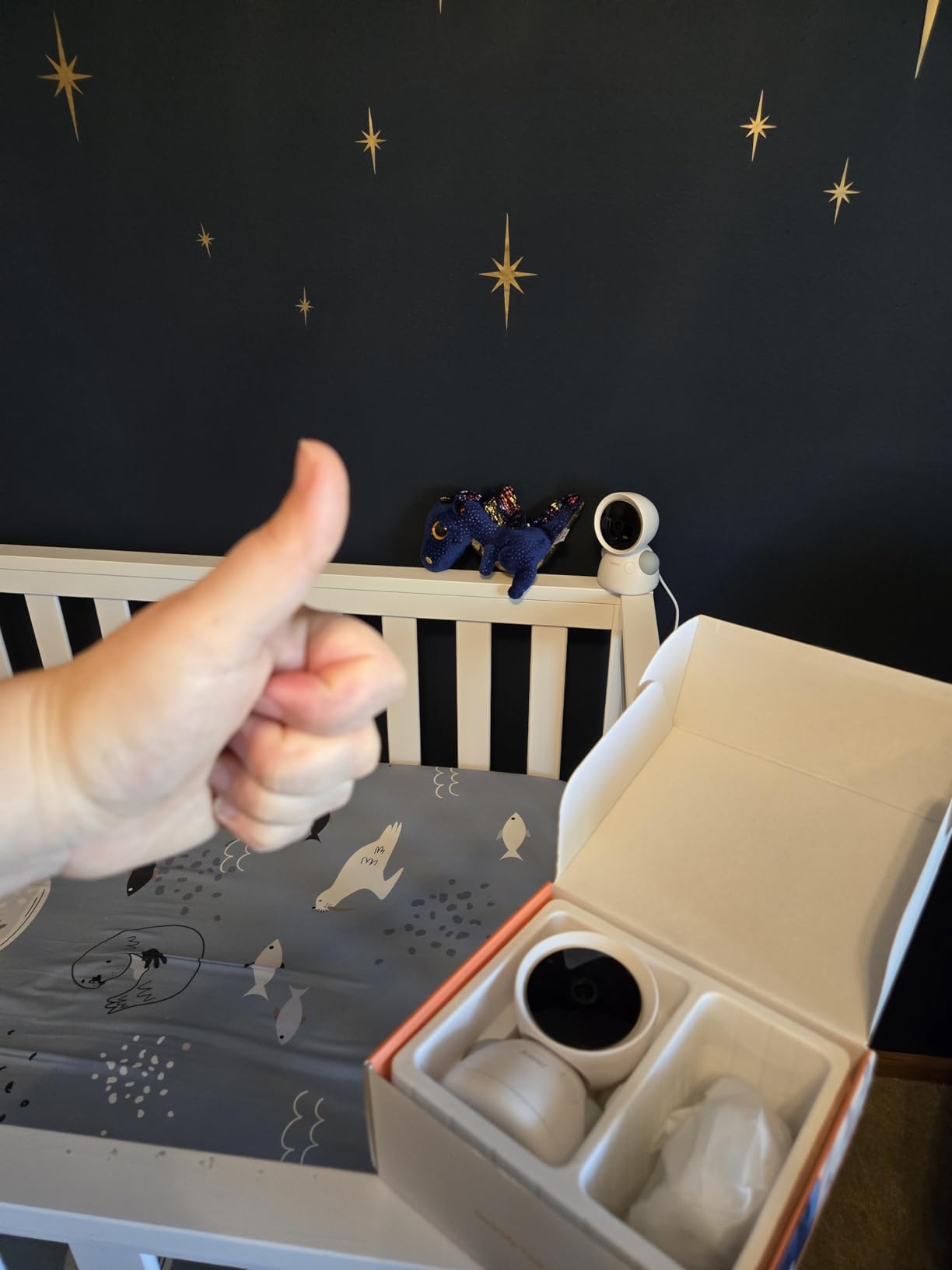
Because the cameras are wireless, you can place one in a second room without running a cable or finding a second outlet position, which is what makes a temporary second-room setup realistic. Pairing the feed with feeding reminders means your phone handles the schedule while you handle the call.
Who should skip the ARENTI D3
If you have one baby and no regular second room to watch, you are paying for capacity you will not use. The single-camera picks cover that case for less.
A 5-inch screen showing two feeds at once gives each feed a small window. If you need to read a facial expression or check something in detail, a larger single-camera screen is a better tool.
And if your network is 5GHz only, the WiFi pairing will not happen. Check your router band before you commit.
We earn a commission, at no additional cost to you. CERTAIN CONTENT THAT APPEARS ON THIS SITE COMES FROM AMAZON. THIS CONTENT IS PROVIDED 'AS IS' AND IS SUBJECT TO CHANGE OR REMOVAL AT ANY TIME.
5. BOIFUN 2K WiFi Baby Monitor: Most Versatile
BOIFUN 2K WiFi Baby Monitor with Phone App, 5″ Screen, Smart Night Light
- 2K QHD video
- 4x zoom
- 5 inch screen plus app
- Three-mode night light
- 32GB included
Pros
- 2K QHD video with 4x zoom that holds detail
- Three-in-one night light with steady breathing and carousel modes
- Dual viewing through the 5 inch screen or the app
- Automatic pairing and three-step app setup
- Motion cry sound and alarm zone detection
Cons
- Parent unit needs nightly charging at full brightness
- WiFi pairing only supports the 2.4GHz band
- Some early sound and connection issues reported
We earn a commission, at no additional cost to you. CERTAIN CONTENT THAT APPEARS ON THIS SITE COMES FROM AMAZON. THIS CONTENT IS PROVIDED 'AS IS' AND IS SUBJECT TO CHANGE OR REMOVAL AT ANY TIME.
The BOIFUN covers the same working-parent checklist as the pricier picks at a lower tier, and for a first setup it is genuinely hard to argue with. You get a 2K camera, a 5-inch parent unit, app access over 2.4GHz WiFi, and a night light with three modes, which is more than most similarly priced units offer.
Picture quality is the first thing I would point to. A 2K sensor with 4x digital zoom retains enough detail to make out chest movement from a desk across the room, which is the specific thing you are actually looking for at 6pm and again at 3am.
The night light is the sleeper feature. Steady glow, a breathing pulse and a rotating carousel cover the three setups parents actually use: a soft wash of light, a slow pulse to help a settling baby, and a low distraction during a feed. Built in, it saves a second device and a second app.
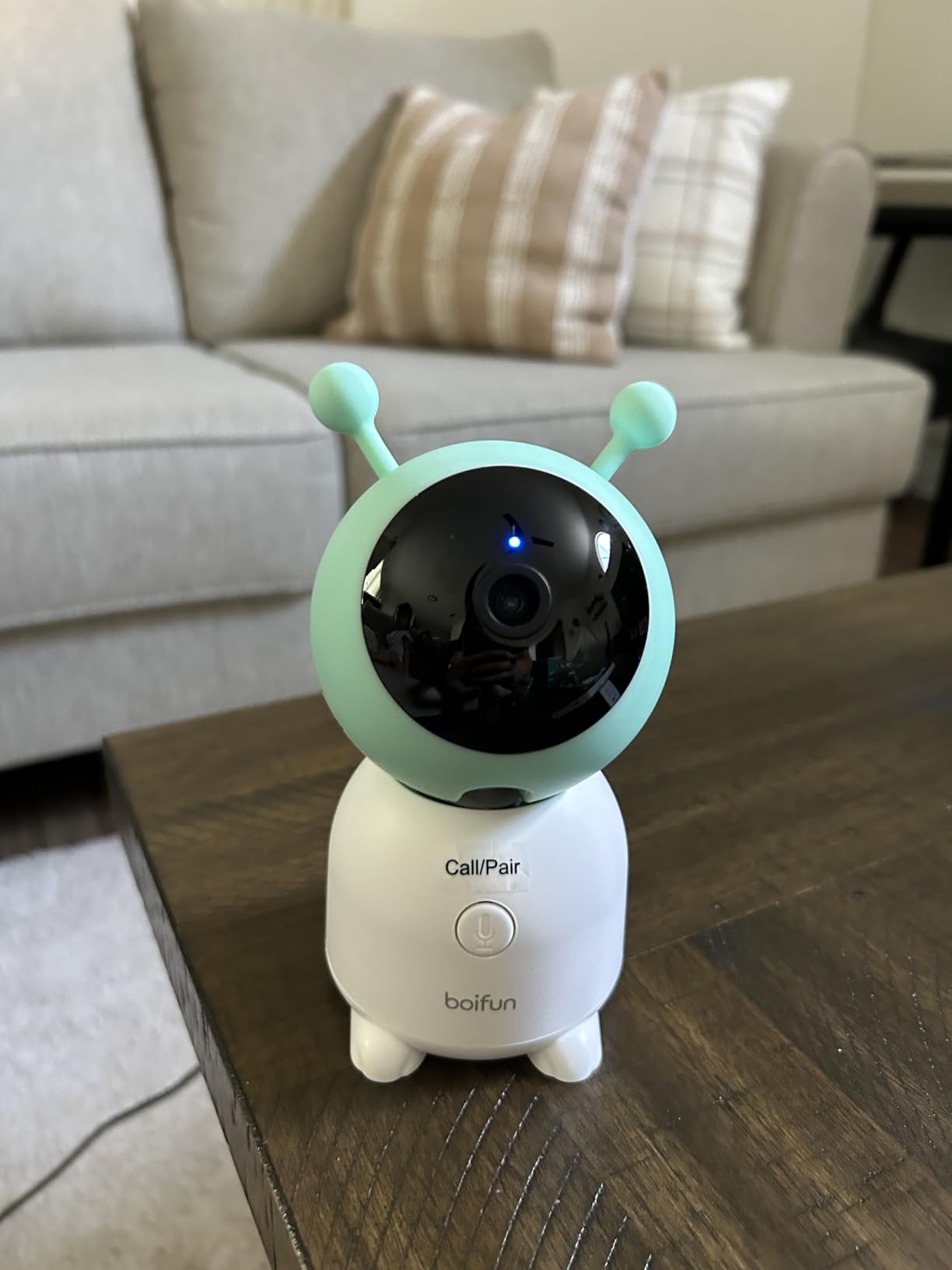
Setup is close to frictionless. Parent unit and camera pair automatically, and the app takes three steps. That matters more than it sounds, because a monitor that takes an evening to configure is a monitor that gets configured badly. Detection covers motion, cry, sound and customisable alarm zones, and there are 14 lullabies plus temperature and humidity readings.
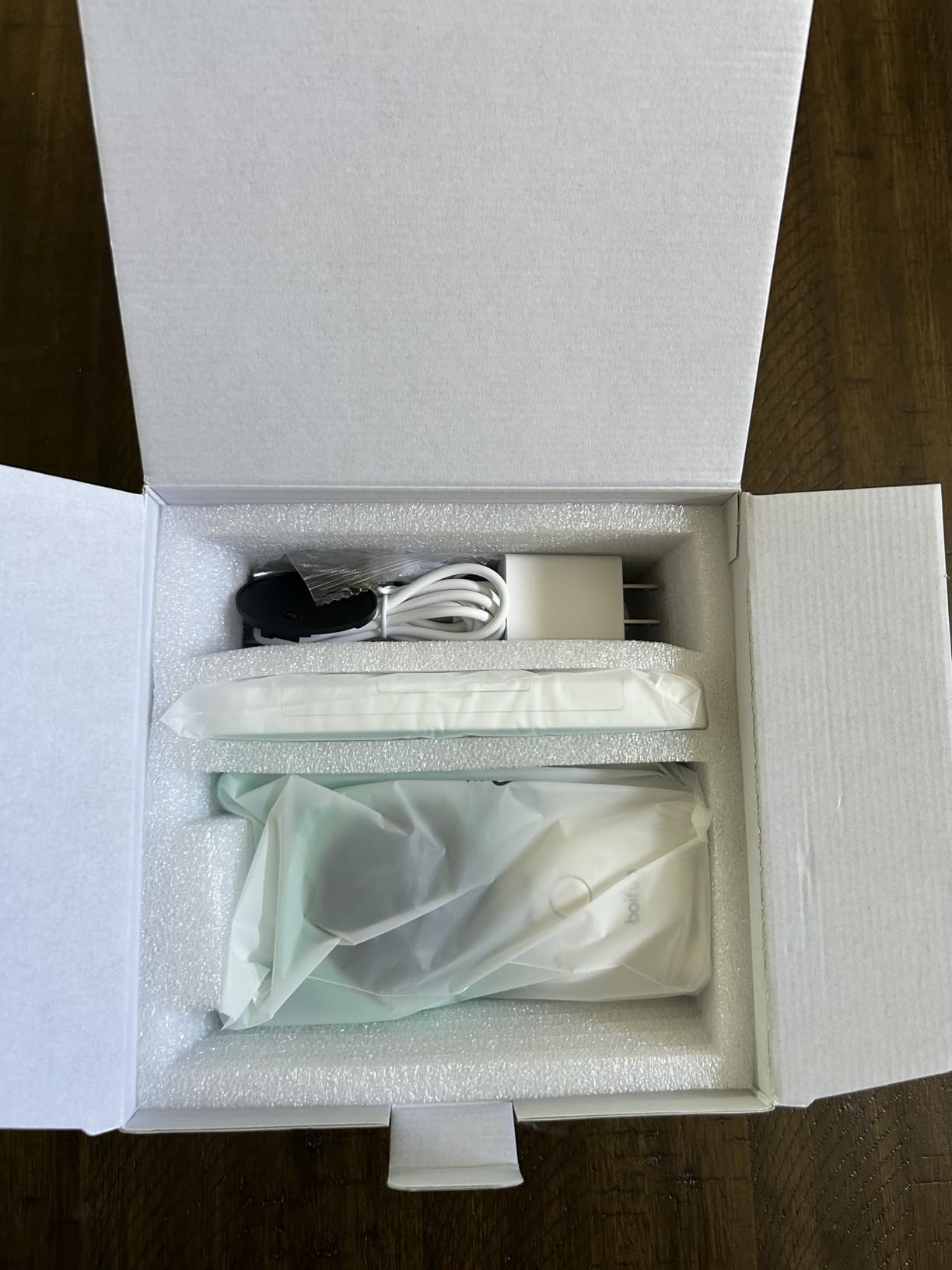
Split-screen works for up to two cameras, with 355-degree rotation, auto tracking and feeding reminders. A 32GB card is already installed for local recording, and the box includes two adapters, mounting screws and a quick guide. Support is responsive, and a 90-day return policy gives you room to test properly.
The limitation to plan around is the parent unit battery. If you leave the screen at maximum brightness, expect to recharge it nightly. Frame rate is 25 per second, night vision reaches 10 meters, and the wireless side is 2.4GHz only.
The BOIFUN on a nine-hour workday
This is a good fit for a parent who works a fixed schedule in one location and does not need to check the feed from a second building. Docking the parent unit on the desk at moderate brightness and using the app for everything away from it is a stable arrangement.
FHSS range is quoted at 300 feet, which is honest for a home rather than generous, so it suits a single-floor or adjacent-room layout. The app is where the off-site access comes from, and the 2.4GHz pairing is straightforward once the router is on the right band.
Who should skip the BOIFUN
If your office is on a different floor and you depend on the parent unit to bridge the gap, 300 feet of FHSS will be tested by every wall between the rooms. Use it with the app, and test on a real call before you settle in.
If you refuse to buy a microSD card, the installed 32GB covers you anyway, so this is a minor point. The real disqualifier is a 5GHz-only network.
It is also not the right choice for a four-camera household, even though the display takes two cameras at once.
We earn a commission, at no additional cost to you. CERTAIN CONTENT THAT APPEARS ON THIS SITE COMES FROM AMAZON. THIS CONTENT IS PROVIDED 'AS IS' AND IS SUBJECT TO CHANGE OR REMOVAL AT ANY TIME.
6. Dr.Care VistaView 5 Inch: Best Battery Life for Long Work Days
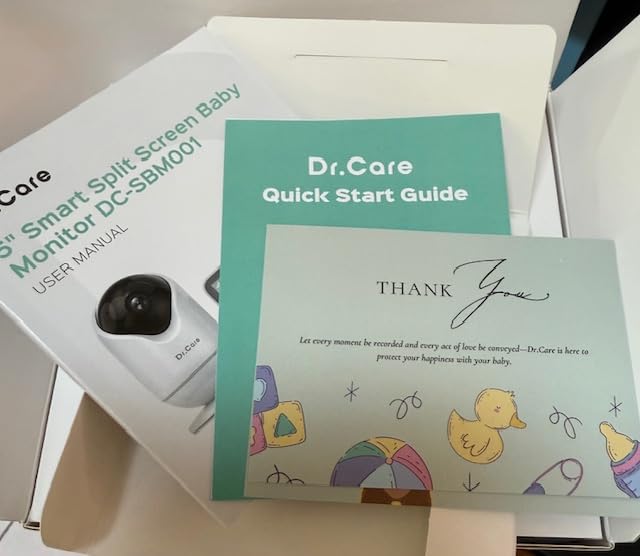
Dr.Care VistaView 5″ 1080P Smart WiFi Baby Monitor with Camera & Clip Mount
- 5000mAh battery
- 2K camera with 1080P screen
- 15 hours VOX
- 256-bit AES
- WiFi OFF mode
Pros
- 5000mAh battery runs 10 hours streaming or 15 hours in VOX
- Up to 1279 ft range
- 1080P split screen with 2K camera and app dual control
- Triple security with WiFi OFF mode and 256-bit AES
- Clip mount for crib attachment
Cons
- Night vision range of 5 meters is short
- Requires 2.4GHz WiFi for app pairing
- Smaller review base means limited long term feedback
We earn a commission, at no additional cost to you. CERTAIN CONTENT THAT APPEARS ON THIS SITE COMES FROM AMAZON. THIS CONTENT IS PROVIDED 'AS IS' AND IS SUBJECT TO CHANGE OR REMOVAL AT ANY TIME.
Battery runtime is the reason this one is here, and for a working parent it is a more rational priority than most spec-sheet features. The 5000mAh battery runs up to 10 hours of continuous streaming or 15 hours in VOX mode, which comfortably covers a full workday without an overnight charge on a mid-session nap schedule.
The camera is 2K while the 5-inch display is 1080p, and you can run a 1080p split-screen view on the unit with app dual control. Frame rate is 20 per second, viewing angle is 360 degrees with 300-degree rotation and 65-degree tilt, and zoom goes to 4x optically.
Alerts cover motion, crying, temperature and humidity, and there is smart auto tracking with customisable alert zones. Storage is up to 128GB on an SD card, with optional cloud storage and sharing for up to five family members, which covers a partner, a sitter and a grandparent without a second system.
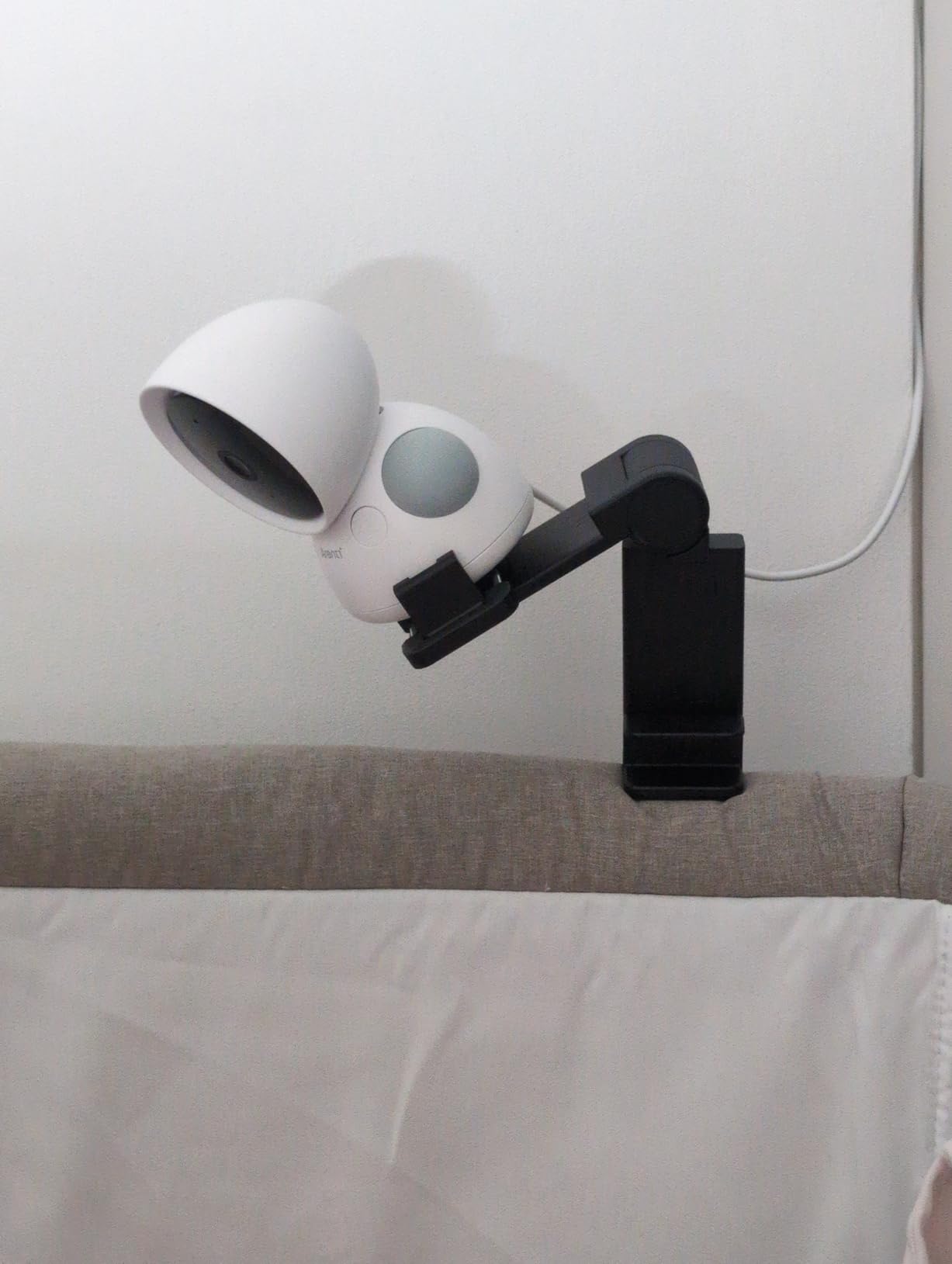
Two details made me like this one more than the numbers suggest. The clip mount attaches to the crib rather than requiring a wall or shelf, which is genuinely useful in a rental or a small nursery. And the WiFi OFF mode lets you run it as a closed local system, which is the cleanest privacy answer in this roundup.
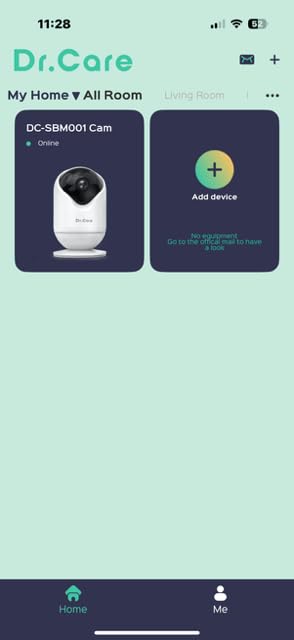
Triple security is 256-bit AES encryption, exclusive user pairing and that WiFi OFF mode, so you can choose your level of exposure rather than accepting a default. Lullabies, white noise and two-way talk are included, and the box comes with a clip mount, both units, a power adapter, two USB-C cables and a manual.
Two honest drawbacks. Night vision reaches only 5 meters, the shortest in this list, so a large nursery or a camera mounted high will show more grain at night. And with a much smaller review base than the other picks, long-term reliability feedback is still limited.
Why runtime matters more than resolution for a working parent
A monitor that dies at 2pm is a monitor that will not be trusted at 6pm. Fifteen hours in VOX mode means the unit can live on the desk for a full day plus an evening, and VOX is the right mode for most of that time since you want audio, not a glowing screen.
The 1279-foot range figure is generous on paper, so treat it as marketing and test it in the rooms you will work from. In practice, 2.4GHz does a lot of the work in getting a signal through a floor.
Who should skip the Dr.Care VistaView
If your nursery is large or you plan to mount the camera high on a wall, the 5-meter night vision range will be visible. It suits a standard cot at cot height, not a big room.
If you rely on multi-year reliability, be aware that this is a newer product with a much smaller body of user feedback than the picks above it. That is not a dealbreaker, it is just less information.
And if your router is 5GHz only, app pairing will not complete.
We earn a commission, at no additional cost to you. CERTAIN CONTENT THAT APPEARS ON THIS SITE COMES FROM AMAZON. THIS CONTENT IS PROVIDED 'AS IS' AND IS SUBJECT TO CHANGE OR REMOVAL AT ANY TIME.
7. Simyke Upgrade Video Baby Monitor: Best Low-Cost Multi-Camera Value
Simyke Upgrade Video Baby Monitor,WiFi Baby Camera,2.8″ Display and App Control,1200ft Long Range,2 Way Talk,Auto Night Vision,Sound Alert,VOX,Temperature Sensor 5 Lullabies Feeding Remind,Home Use
- 2.8 inch display
- Up to 4 cameras
- 1200 ft range
- 2.4GHz WiFi only
- VOX mode
Pros
- Lowest entry point in this roundup
- Pairs up to 4 cameras to one display
- VOX sound activated mode with two-way audio
- Temperature sensor and feeding reminders
- Infrared auto night vision
Cons
- Smartphone app described as frequently unreliable
- Some buyers report weak or short range signal
- Small 2.8 inch display is limiting
We earn a commission, at no additional cost to you. CERTAIN CONTENT THAT APPEARS ON THIS SITE COMES FROM AMAZON. THIS CONTENT IS PROVIDED 'AS IS' AND IS SUBJECT TO CHANGE OR REMOVAL AT ANY TIME.
Four cameras on one display is the headline, and it makes this the cheapest way we found to cover a house where more than one room matters at once. The stated pairing is up to 4 cameras on a single IPS display at 1200 feet, with 2.4GHz WiFi for app control on the go.
At home, the 2.8-inch display is plug-and-play. It is a small screen, but for background audio during a call that is exactly the right size, since you are not trying to read a facial expression, you are trying to know whether to stop what you are doing.
Two-way audio works without lag for many users, and five lullabies, a temperature sensor, feeding reminders and app-controlled lullaby auto-off round out a feature list that covers most of what a first-time parent actually uses. Infrared night vision switches on automatically.
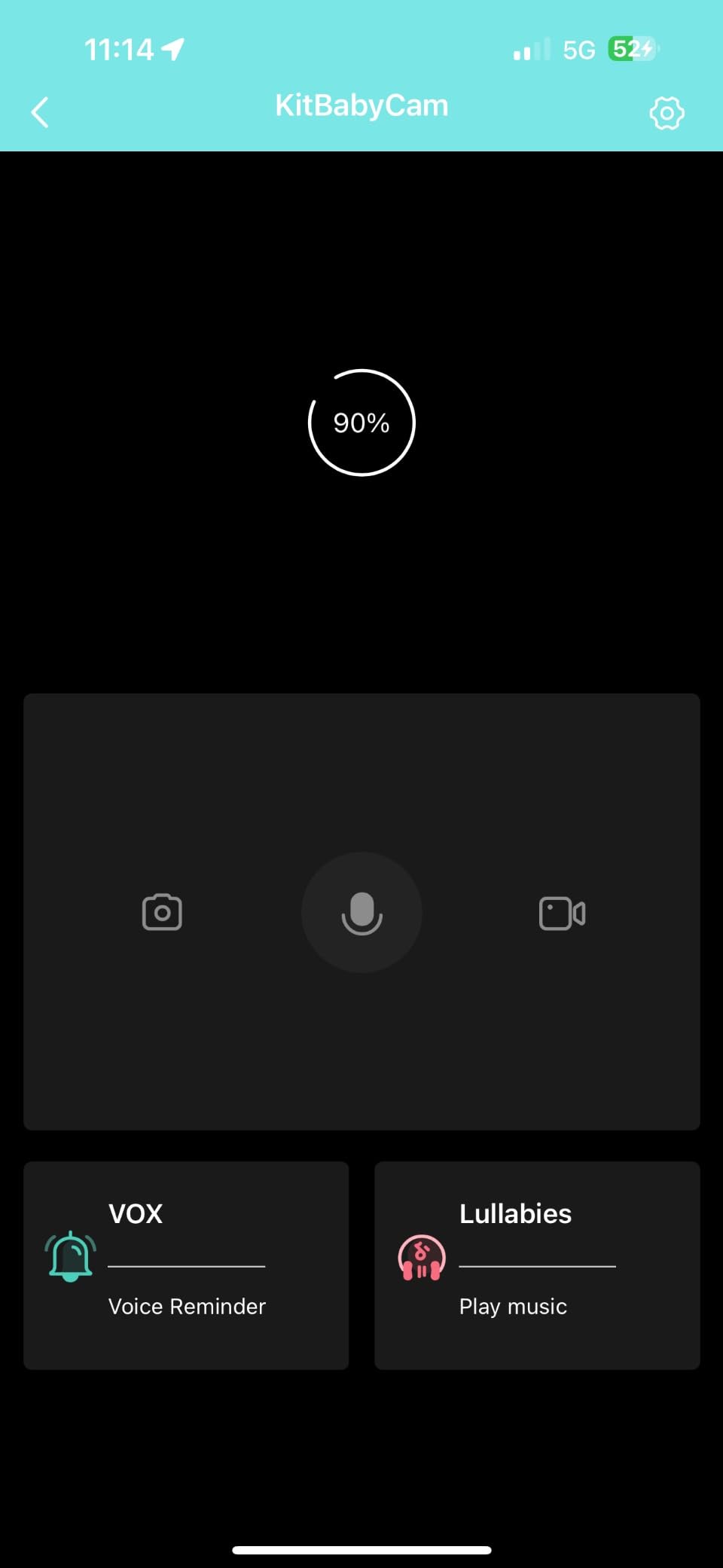
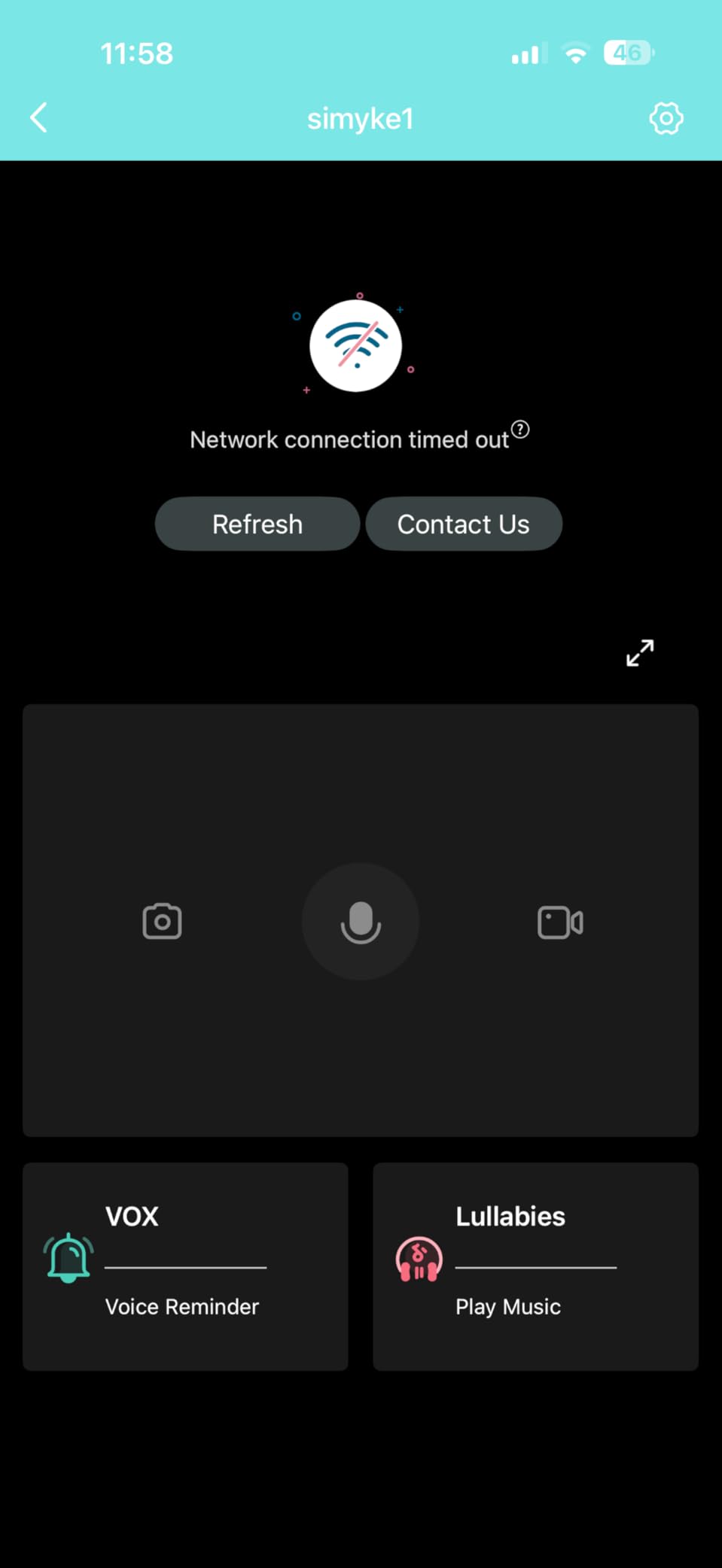
The reason this is not higher is the app, and it is not a small reservation. Reviewers describe the smartphone app as frequently unreliable, with connections that will not stay up. For a parent who only works at home and uses the local display, that may be an acceptable trade. For a parent who needs to check in from an office across town, it is the thing that decides the purchase.
Signal strength is the second concern. Some buyers report weak or short range despite the 1200-foot claim, which is the usual gap between a specification and a signal travelling through two floors. A minority also report white screens or connection dropouts shortly after purchase.
Set against that, the local-only experience is simple and stable, and the 2.8-inch display is genuinely limiting for anything beyond a quick check. The body is ABS and PC, the variant is the BME28-1, and the wireless side is 2.4GHz only.
Where the Simyke earns its place
If the plan is a nursery plus a second room, plus a grandparent’s room during visits, four-camera capacity is the cheapest path to covering it without buying three products. Each extra camera is a smaller addition than a whole new system with its own app.
VOX mode is the right setting for a workday, since it wakes the screen on sound and the two-way audio lets you talk to the baby without standing up. Temperature sensing and feeding reminders mean the phone can nudge you on schedule while the screen stays asleep.
Who should skip the Simyke
If you are returning to a shared office and need dependable remote viewing, skip it. The app complaints are consistent enough that I would not build a remote-monitoring routine on this one.
If you want to watch two rooms at once on a parent unit, this display does not do split screen, and 2.8 inches leaves you with one room and a small window.
Own your network before buying: 2.4GHz only, and some buyers find the real-world reach shorter than the stated figure.
We earn a commission, at no additional cost to you. CERTAIN CONTENT THAT APPEARS ON THIS SITE COMES FROM AMAZON. THIS CONTENT IS PROVIDED 'AS IS' AND IS SUBJECT TO CHANGE OR REMOVAL AT ANY TIME.
8. ARENTI 360 Degree B2 Kit: Best for Travel and Non-WiFi Backup
ARENTI 360° Baby Monitor with Camera and Audio, 2.4G WiFi with App (B2 Kit)
- 355 degree pan and tilt
- 1080p with 4x zoom
- 33 ft night vision
- Works without WiFi
- 256GB local storage
Pros
- Works without WiFi over 2.4GHz FHSS for travel
- 355 degree silent pan and 1080p with 4x zoom
- Free 7-day loop event recordings with encrypted storage
- Two-way audio for talking and singing
- Local and SD storage up to 256GB
Cons
- Parent unit feels cheap with slow feedback and disconnects
- May need frequent resets and stay plugged in
- Temperature readings reported off by about 5 degrees
We earn a commission, at no additional cost to you. CERTAIN CONTENT THAT APPEARS ON THIS SITE COMES FROM AMAZON. THIS CONTENT IS PROVIDED 'AS IS' AND IS SUBJECT TO CHANGE OR REMOVAL AT ANY TIME.
This is the escape hatch, and for a working parent it is a more serious feature than it sounds. The B2 Kit runs on 2.4GHz FHSS without any WiFi connection at all, which means a router failure, a dead ISP or a router reboot does not take your ability to hear the baby with you.
For anyone who splits time between home, a partner’s flat, and grandparents’ house, that is the difference between a monitor you can use everywhere and one that only works on your own network. The camera and app are excellent; the parent unit is the weak half.
On the camera side you get 1080p, a 355-degree silent pan and tilt, 4x zoom, a 100-degree viewing angle, 8 IR LEDs and night vision out to 33 feet at 20 frames per second. Two-way audio is clear enough for talking, singing or storytelling, and AI tracking with sound and motion detection sends alerts to your phone or the monitor.
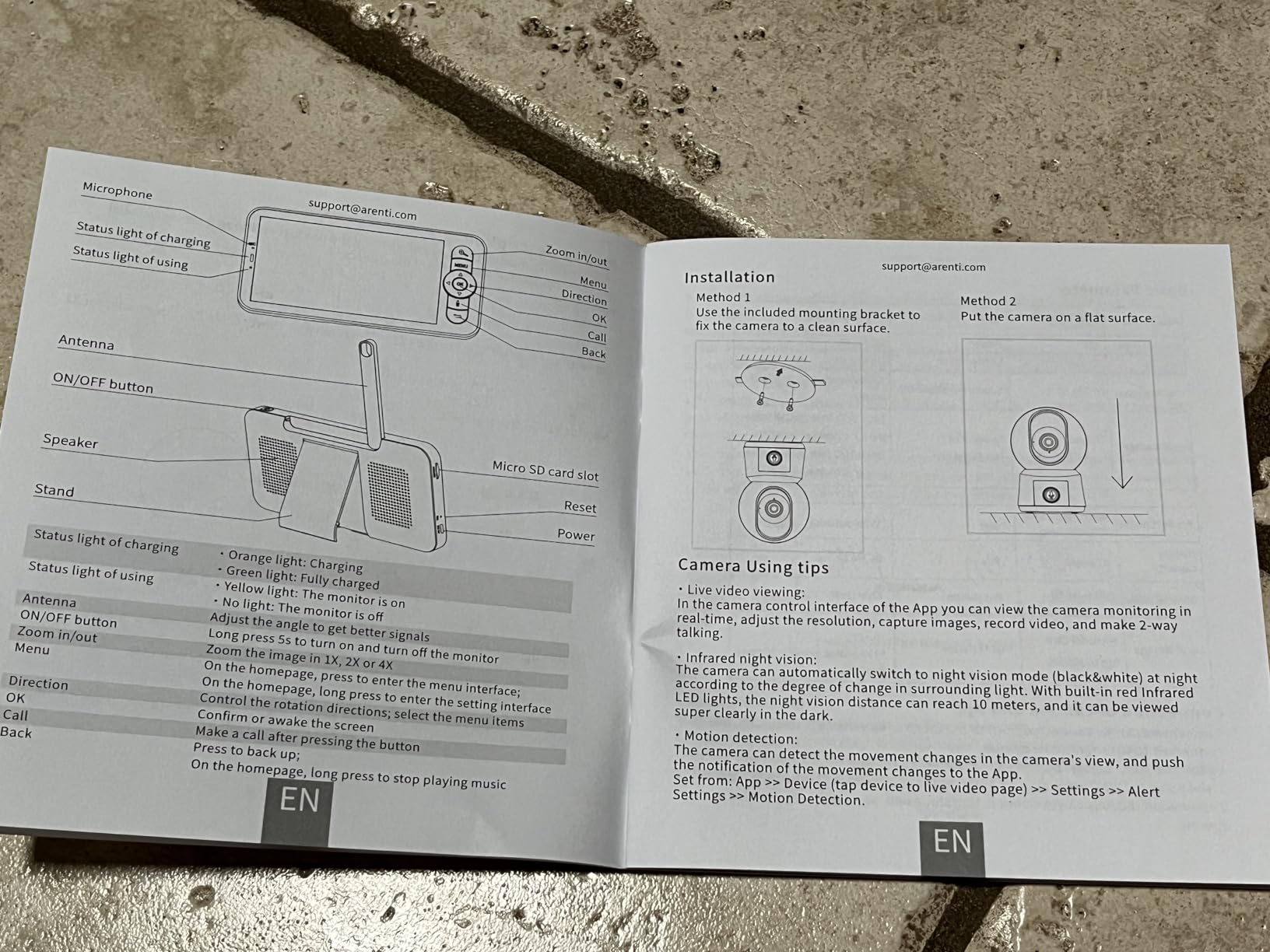
Recording is generous for a lower-tier kit: free 7-day loop event recordings with end-to-end encrypted AWS storage, plus local and SD storage up to 256GB. There is a one-click call between units, and a one-year warranty covers the AInanny B4 kit. The camera body is small at 3 by 3 by 4.6 inches and 6.4 ounces, which is a genuine benefit when you are packing for a week away.
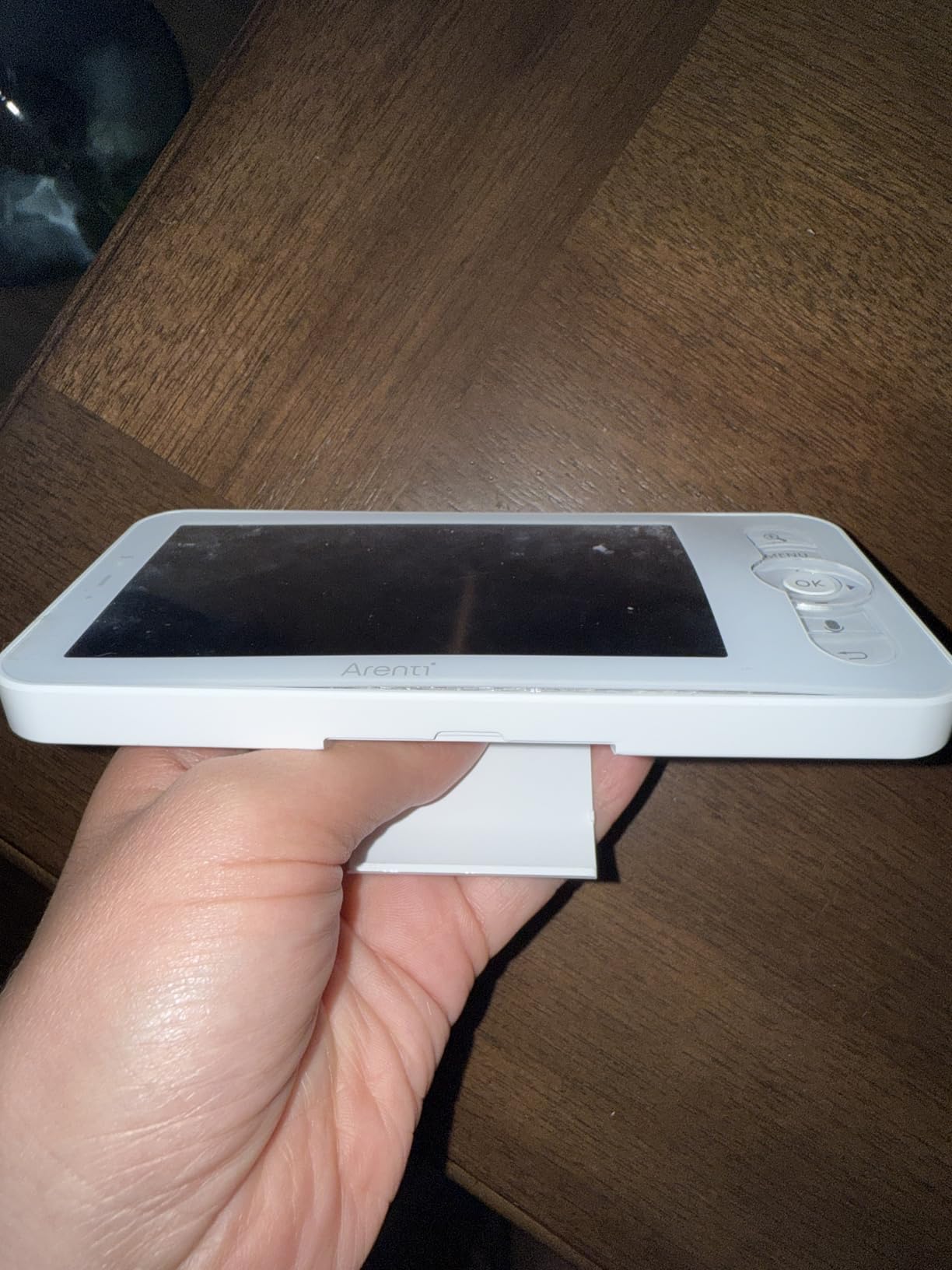
The parent unit is where the reviews push back. It is described as feeling cheap, with slow feedback, random disconnects and an inconsistent battery, and the expectation is that it stays plugged in. A few practical details: the camera’s blue indicator light can shine toward the crib at night, the unit hums while charging with a bright charging light, and temperature readings reportedly run about 5 degrees off.
Night vision can also reflect off white objects in frame, so a white wall or mobile in shot will bounce light back and wash out part of the picture.
Why a non-WiFi fallback is worth owning
WiFi monitors fail in ways that are easy to forget between incidents and impossible to ignore when they happen at 5am. A dedicated local link does not care about your ISP, your router firmware or a neighbour repainting the password on a label.
Running one app-first monitor as your daily tool and a local monitor as the fallback is a common-sense split, and the B2 Kit is a straightforward way to own both behaviours in one product. Customer service is also reported as responsive when something does go wrong.
Who should skip the ARENTI B2 Kit
If you want a sleek bedside unit, this is not it. The parent unit prioritises function over feel, and you should expect to keep it on charge rather than carry it around the house on battery.
If you are deploying in a dark room, note the indicator light and the charging glow, and check whether you can angle the camera away from the cot.
And if an accurate nursery temperature reading drives your decisions, the reported 5-degree offset makes that a poor choice.
We earn a commission, at no additional cost to you. CERTAIN CONTENT THAT APPEARS ON THIS SITE COMES FROM AMAZON. THIS CONTENT IS PROVIDED 'AS IS' AND IS SUBJECT TO CHANGE OR REMOVAL AT ANY TIME.
What Working Parents Actually Need From a Monitor
The four requests that recur in parent forums are more specific than resolution or screen size. They are background audio that runs while your hands and eyes are busy, a check that does not require standing up, access from a second location, and a way to hand access to a sitter without opening a hole in your setup.
Background audio is the one people underrate. A monitor that only works as a screen is a monitor you look at; a monitor that keeps streaming audio with the screen asleep is a monitor you listen to while you finish a spreadsheet. VOX mode, where available, does this most efficiently by waking the display on sound instead of running it constantly.
Off-site access is where app quality becomes the product. A picture that loads in two seconds matters when you are on a platform call and the other adult is across town. Latency, connection drops and app stability are the complaints that show up again and again in what parents actually report.
Cry-detection sensitivity is its own small battle. Set too tight, a monitor interrupts a meeting every time baby vocalises. Set too loose, you miss the thing you bought it for. Focus areas, customisable alert zones and adjustable sensitivity are what make this tunable rather than a coin flip.
Shared access is the fourth. Partner, sitter and grandparent all need different levels of access, and the useful question when reading any app’s settings is how many people can watch at once and whether each person needs their own credentials.
WiFi, Hybrid, or Non-WiFi: Which Connection Type Fits Your Workday
App-only is the simplest setup and the most fragile. One device, one app, and the entire monitoring experience depends on your phone being charged, unlocked and connected. Choose it when you are at home all day and your phone is already in your hand.
Hybrid means a dedicated parent unit plus app access, which is the most common answer in this roundup because it covers both failure modes. The parent unit gives you local reception and a screen you can leave on the desk; the app covers the times you are away. It is more hardware, but it is the arrangement most working parents end up preferring.
Non-WiFi is the private and reliable option. Nothing about it touches your network, so it removes both the hacking surface and the internet dependency. What you give up is remote access from outside the home, which is a real cost for split nursery weeks.
On multi-floor homes, the practical question is where your router actually is relative to your desk. If the office and the nursery are on different floors, a mesh node near the nursery is the fix that matters more than any monitor spec, and it costs far less than a monitor upgrade.
Note that most WiFi-capable monitors in this roundup pair on 2.4GHz only, including the iFamily, the VTech, the Babysense, the BOIFUN, the Dr.Care and the Simyke. If your router broadcasts 5GHz only, none of them will pair.
Subscriptions and Hidden Fees: What You Actually Pay Over Three Years
Subscription fatigue is the loudest theme in parent communities right now, and the pattern is consistent: people accept a trial, get used to sleep reports, then resent a monthly charge arriving a year later on top of a device they already paid for.
Every pick in this roundup avoids a required subscription, and that is the most important cost fact in this article. The iFamily and the Dr.Care offer optional cloud storage, and the ARENTI B2 Kit includes free 7-day loop event recordings. The Babysense is explicitly subscription-free, and the VTech app is free with no paid tier.
Optional cloud storage is not a subscription you should accept by default. Local microSD recording keeps footage in your own home, which is both cheaper and more private, at the cost of a card and some setup. A card that stays in the camera is also a card that is not being written to by a stranger’s server.
What you should budget for is the hardware, the storage card if the unit does not include one, and any mount. A wall mount or a clip mount is a small cost that prevents the cord-management problems described in the next section, and cheaper than replacing a monitor you cannot position safely.
Compare the three-year view by asking one question: does the price of this monitor change if I never create an account and never turn on a paid tier? For the picks here, the answer is no.
Privacy, Hacking Risk, and How to Harden Your Setup
Baby monitor hacking gets attention because the target is a child’s room, and the fear is not theoretical. Most incidents trace back to weak default credentials, reused passwords and forgotten accounts rather than sophisticated attacks, which is good news, because those are fixable.
Numbered hardening steps, in order of impact:
- Change the default password immediately and make it unique to the monitor.
- Turn on two-factor authentication if the app offers it.
- Update firmware on the camera and the app the week you install it.
- Put the camera on a guest network or a separate IoT segment on your router.
- Use a strong, unique WiFi password with WPA2 or WPA3.
- Disable remote access entirely when you are not using it, if the app allows.
- Create a separate account for your sitter rather than sharing your login.
- Review active sessions and connected devices once a month.
A WiFi-free monitor cannot be reached over your network, because there is no network path to it. That is the strongest privacy answer available, and it is the reason we kept a non-WiFi pick in this list rather than treating every connected monitor as a liability.
Among the WiFi options, the strongest controls here are the Dr.Care, with 256-bit AES, exclusive user pairing and a WiFi OFF mode, and the ARENTI D3, with an AES128 security chip. The iFamily also lists encrypted app access and an option to shut off wireless entirely.
One more practical measure: keep the camera pointed at the cot and the microphone where you want it, rather than into the room generally. A narrow field of view records less of your home than a wide angle pointed at a door.
Safe Camera Placement and Cord Safety in the Nursery
Position the camera high enough that the cot fills the frame without pointing at a window, a mirror or a light. Roughly three to six feet from the cot is the working range most parents land on, high enough to clear the mobile and low enough to keep a usable night image.
Run cables out of reach and out of the walkway, secured along the wall rather than across a floor or a rug edge. Keep the parent unit’s charging cable the same way, since a parent unit lives on a desk that a toddler will eventually investigate.
Audio monitors and camera monitors are assistive tools, not safety systems. No monitor replaces placing baby on their back on a firm flat surface in their own crib, with no loose bedding or soft surrounds, and it does not replace an awake adult in the room when the situation calls for one.
Check white walls and light-coloured furniture before you finalise the camera angle, because infrared night vision reflects off bright surfaces and can wash out part of the image. Several owners of one pick in this roundup noticed exactly that.
How to Choose: A Working Parent Buying Guide
Start with connection type. Hybrid is the safest default for a working parent, because it covers both the phone-died scenario and the internet-died scenario. Go app-only if you are rarely away and go non-WiFi if privacy is your top priority.
Then check the band. Most of these monitors pair on 2.4GHz only, so confirm your router broadcasts that before anything else. If your office and nursery are on different floors, add a mesh node near the nursery rather than hoping the signal holds.
Next, look at runtime. Continuous streaming drains a parent unit fast; VOX and ECO modes are what let a monitor survive a full workday. The Dr.Care is the standout here at 15 hours in VOX, while the Babysense and ARENTI B2 are adequate but expect a nightly charge.
Check the subscription line carefully, and prefer local microSD storage over cloud if the unit supports it. Confirm how many caregivers can watch at once and whether each needs a separate login, because that is your sitter answer.
Finally, test during the return window. Take the monitor to every room you will actually work from, at the time of day you will use it, and run a real call while the audio streams. Test night vision after dark and check the app from outside the house. Most return policies are far shorter than a year of use, so the testing has to happen early and deliberately.
Frequently Asked Questions
Are WiFi baby monitors worth it for a working parent?
Yes, when you actually need to check on your baby from a second location. A WiFi monitor removes the walk down the hall, which means fewer disturbed naps and less lost work time. The catch is that it depends entirely on app and router reliability, which is why the hybrid picks with a dedicated parent unit are the safer version of the same idea.
Do baby monitors need a subscription?
Not for any of the monitors in this roundup. Every pick works without a required monthly plan, and the Babysense is explicitly subscription-free. Optional cloud storage exists on the iFamily and the Dr.Care, and the ARENTI B2 Kit includes free 7-day loop event recordings. Local microSD storage avoids the recurring cost entirely.
How common is it for baby monitors to get hacked?
It is uncommon but not rare, and the well-known cases all involved weak or default passwords. The realistic risk comes from reused credentials, unchanged default logins and forgotten accounts rather than sophisticated attacks. A unique password, two-factor authentication, firmware updates and a guest network address the large majority of it.
Can you hack a WiFi-free baby monitor?
Not remotely. A non-WiFi monitor has no connection to your network, so there is no path for someone outside the house to reach its video or audio. The trade-off is that you give up access from outside the home, which is why several parents keep a non-WiFi unit as a backup alongside an app-based monitor.
Does a baby monitor still work when the WiFi goes out?
It depends on the design. App-only monitors typically stop streaming remotely when the internet drops. Hybrid monitors keep working locally, which is why the Babysense can operate without internet for local-only monitoring and the ARENTI B2 Kit runs on 2.4GHz FHSS with no WiFi connection at all.
How long should I test a baby monitor before keeping it?
Test it inside the return window rather than after it. Take it to every room you will work from, check night vision after dark, run a real work call while audio streams, and test the app from outside the house. A return policy is measured in weeks while a monitor has to work for years, so the testing has to happen early.
Final Verdict
The iFamily is our pick for the best wifi baby monitors for working parents overall, because a 2K feed on the phone already on your desk solves the most common workday problem without adding a device to manage. The VTech VM901 is the value answer when you want a real screen as well, and the Babysense Touch is the one to buy if you are heading toward two children, two rooms, or a firm no to subscriptions.
Whichever you choose, test it in every room you work from before the return window closes, and remember that a monitor is a convenience, not a safety system. Safe sleep practices and an awake adult do the real work.